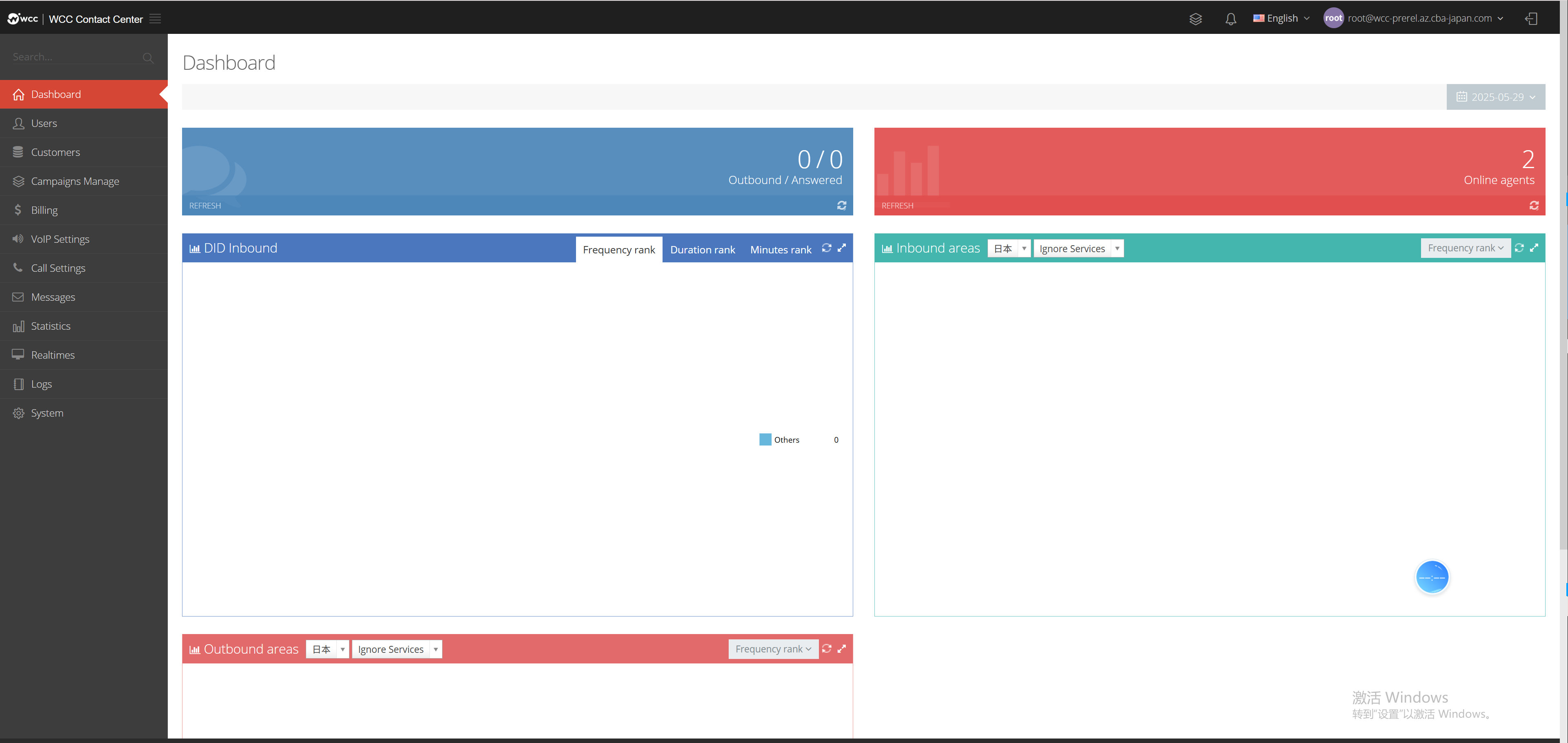
1.1WCC Login
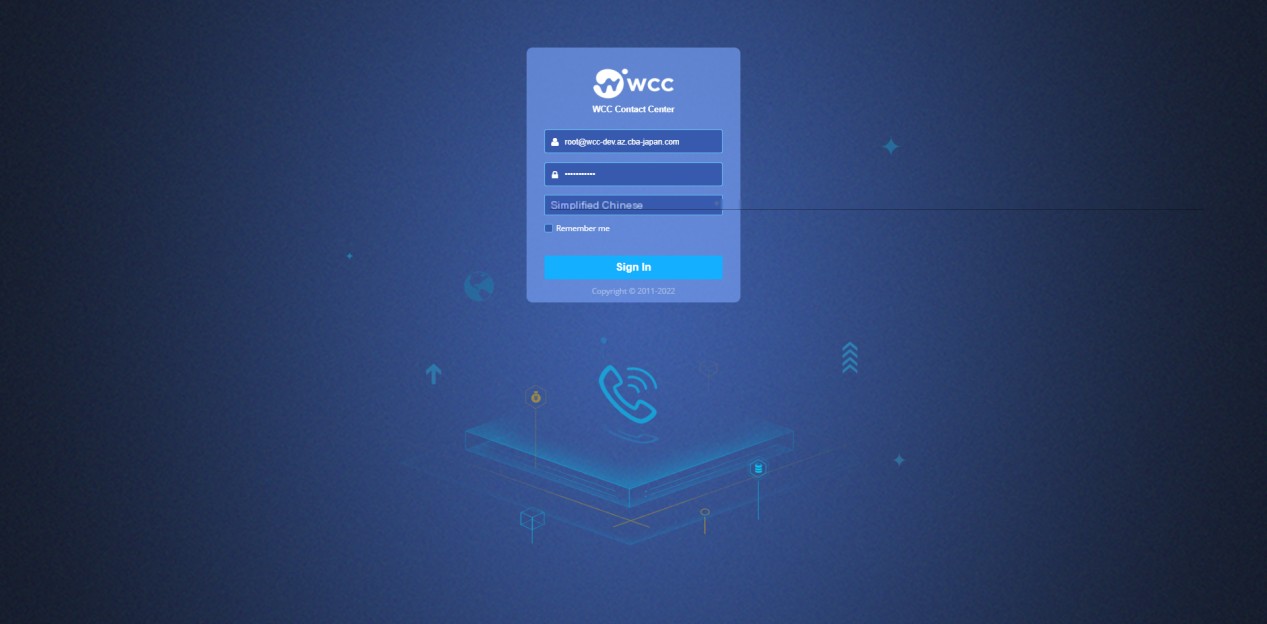
Enter the website address in the address bar of the browser you are using and enter the system login page.
The user account and password are pre-set. Enter the correct account and password, select [Login] and you can successfully enter the system.
(See as shown in the figure below)
After the user enters the system, select [Exit] in the status bar drop-down menu to confirm and exit the system successfully.